Store set
App Store screenshot generator
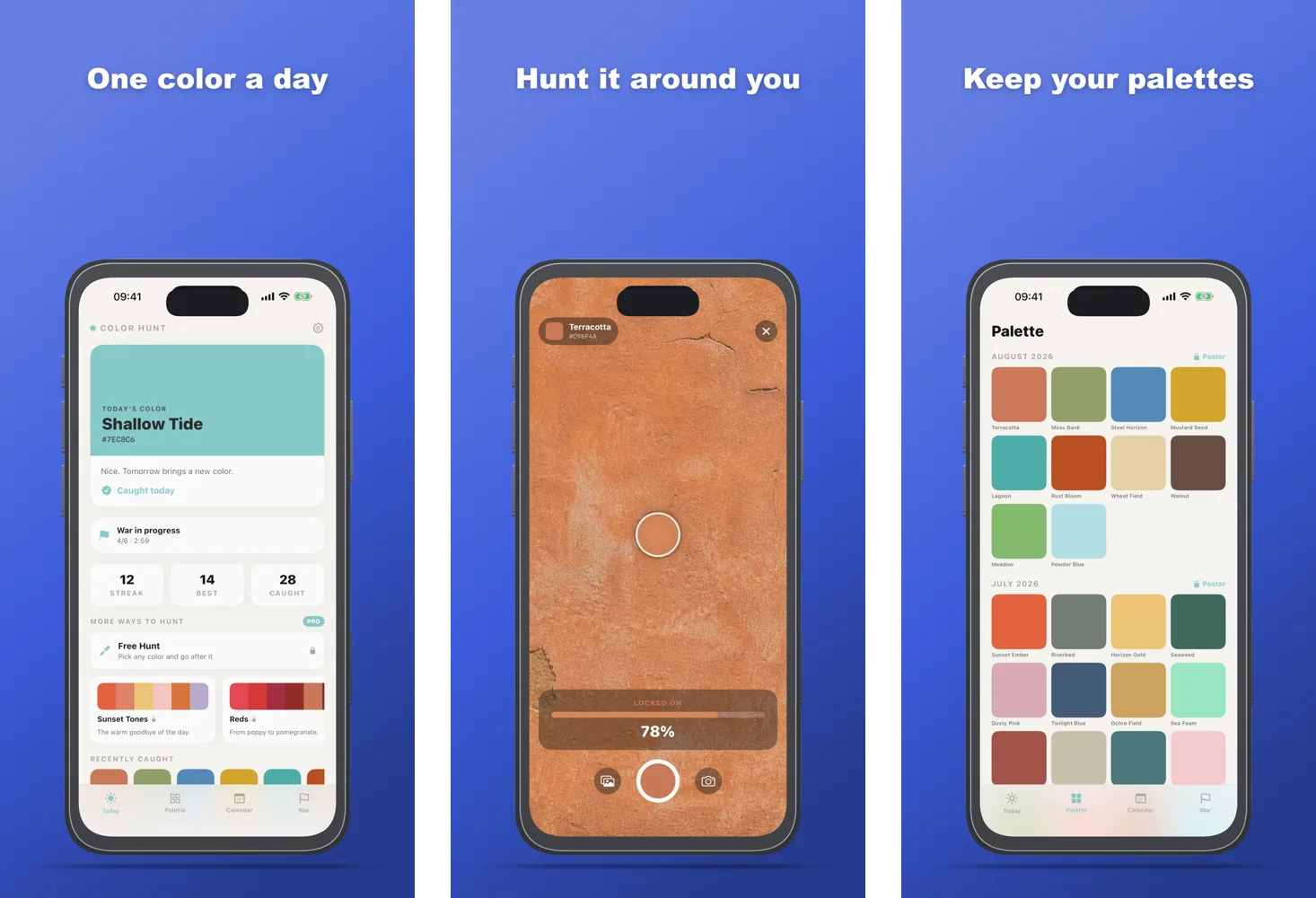
Drop up to five screenshots of your app, write a headline for each, pick your brand color — and download every App Store and Google Play size in one ZIP. Each screenshot is a normal scene you can still change: device, angle, text, background.
Runs in your browser. Your screenshots are not uploaded.
Sizes in the store set
- App Store · iPhone 6.9"
- 1290 × 2796
- App Store · iPad 13"
- 2064 × 2752
- App Store · Mac
- 2880 × 1800
- Google Play · Phone
- 1080 × 1920
- Google Play · Tablet
- 1440 × 2560
- Google Play · Feature graphic
- 1024 × 500
How it works
- 01
Drop your screenshots
Up to five. Files named screen-1.png, screen-2.png … land in that order.
- 02
Write the headlines
One short line per screenshot, and one brand color for the background.
- 03
Export the store set
Export → Image → Store set: every scene at every App Store and Google Play size, in folders.
What you get
- One ZIP with a folder per store and size, files numbered in scene order
- PNG or JPG without an alpha channel — the stores refuse transparent screenshots
- Named screens: when your app changes, drop the new screenshots on Update screens and every scene updates at once
Questions
Is it free?
Yes. Every feature is free with unlimited exports, no account and no watermark.
Which sizes are in the store set?
The sizes listed on this page: the App Store iPhone, iPad and Mac screenshot sizes and the Google Play phone, tablet and feature graphic. Apple accepts more sizes per device class; the guide below lists them.
Can I change a screenshot after it is built?
Yes. Each screenshot is a scene in the editor: change the device, the camera angle, the headline, the font or the background, then export again.
Are my screenshots uploaded anywhere?
No. Mockuptop renders in your browser with WebGL. The files stay on your device.
More ways to use Mockuptop
- App promo videoA 10–20 s launch video from your screenshots
- Portfolio mockupsLaptop + phone scenes for Dribbble and case studies
- Hide private infoErase emails, names and balances before you share
- Mockup templates12 ready-made looks, each a real render
- Screenshot size checkerCheck store sizes and alpha before you upload