Portfolio showcase
Portfolio mockup generator
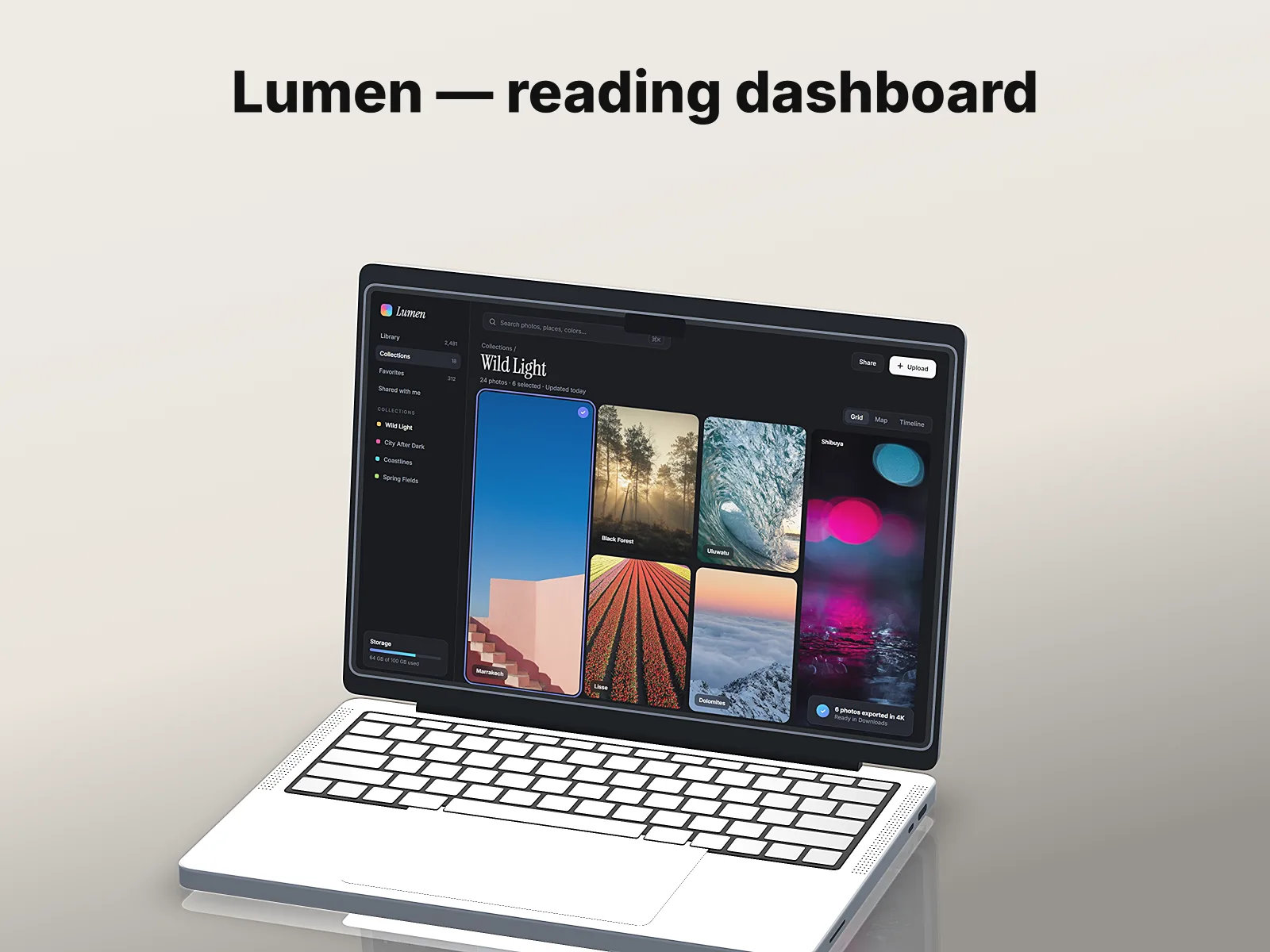
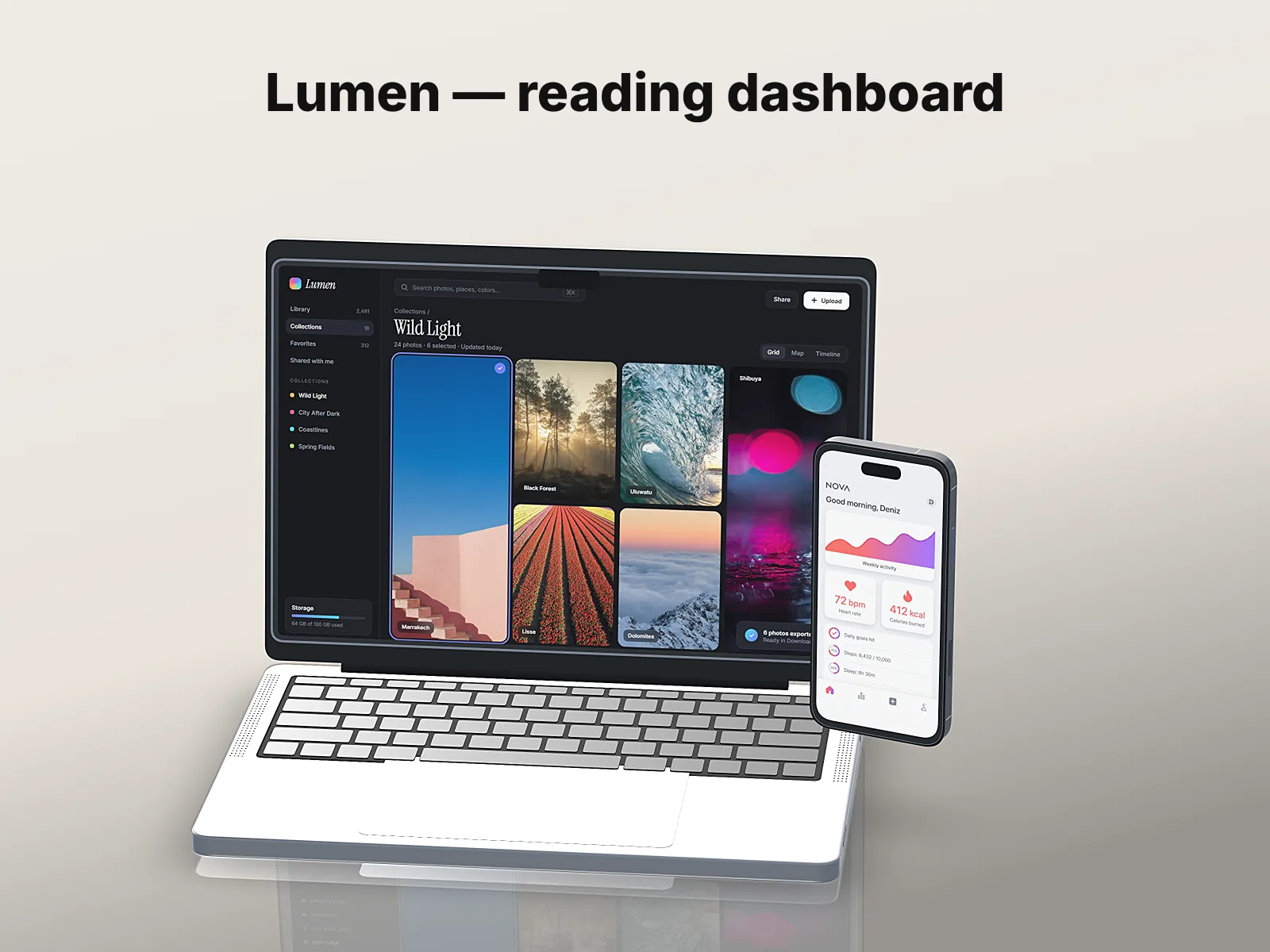
Drop a desktop screenshot and, if you have one, a mobile screen. You get three scenes — the desktop on a laptop, the mobile screen on a phone, and both together — with your project title, as 4:3 images and a short video.
Runs in your browser. Client work never leaves your device.
How it works
- 01
Drop your screens
A desktop screenshot, plus an optional mobile screen for the phone and duo scenes.
- 02
Title and color
A project title, a one-line description and a background color.
- 03
Export
Pick a scene and Export → Image (1600 × 1200 for Dribbble), or Export → Video for the whole set.
What you get
- Three scenes with a slow camera move, ready as stills or one short video
- 13 devices to switch to — laptops, phones, tablet, watch, displays — and glass or metal finishes
- PNG and WebP keep transparency if you turn the background off
Questions
Which size should I use for Dribbble?
Dribbble shots are 4:3; the pack sets a 4:3 canvas, so export at 1600 × 1200 or larger.
Can I add a third device?
Yes. Layouts (Pair, Trio, Fan, Stack, Row) add devices around the main one; each can show its own screen.
Is it safe for client work?
Nothing is uploaded. If a screenshot shows real data, use Hide private info before you share.
More ways to use Mockuptop
- App Store screenshotsHeadline + 3D device, every store size in one ZIP
- App promo videoA 10–20 s launch video from your screenshots
- Hide private infoErase emails, names and balances before you share
- Mockup templates12 ready-made looks, each a real render
- Screenshot size checkerCheck store sizes and alpha before you upload