Templates
Device mockup templates
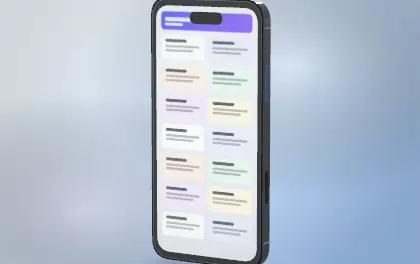
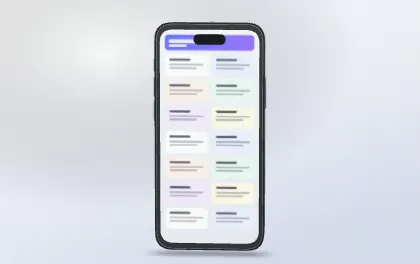
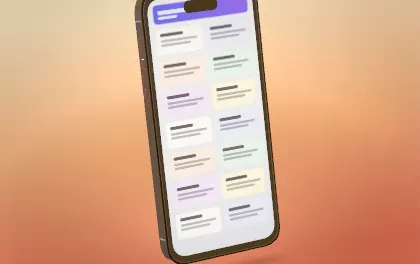
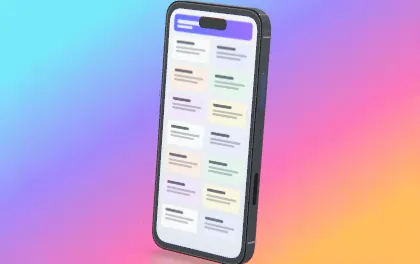
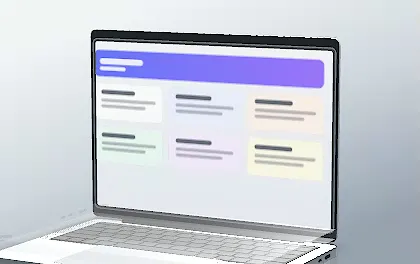
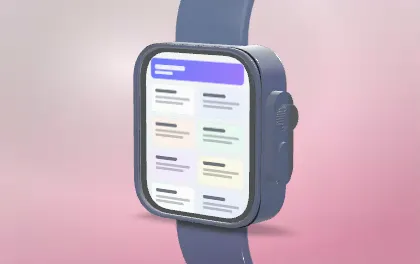
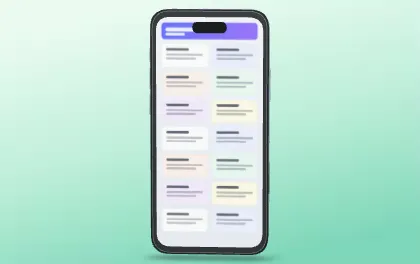
Twelve looks to start from: device, angle, light, background and finish set together. Every preview below is the template rendered by Mockuptop. Open one, put your screenshot on it, and change anything you like.
Free, no account. Your screenshots stay on your device.
How it works
- 01
Pick a look
Use template opens the editor with that template highlighted.
- 02
Apply it
One click applies it to the open scene — Ctrl+Z undoes.
- 03
Make it yours
Swap the screenshot, the device or the colors, then export.
Every template sets
- Device and finish
- Camera angle and lens
- Studio light and background
- You can save your own setups as templates in the editor
Questions
Are the templates free?
Yes, all of them, with unlimited exports.
Will a template change my project?
Not by itself. The editor highlights the template; it is applied only when you click it, and Ctrl+Z undoes it.
More ways to use Mockuptop
- App Store screenshotsHeadline + 3D device, every store size in one ZIP
- App promo videoA 10–20 s launch video from your screenshots
- Portfolio mockupsLaptop + phone scenes for Dribbble and case studies
- Hide private infoErase emails, names and balances before you share
- Screenshot size checkerCheck store sizes and alpha before you upload